
Multi-Brokerage and SmartDOM: Why Traders Need a Unified Workspace
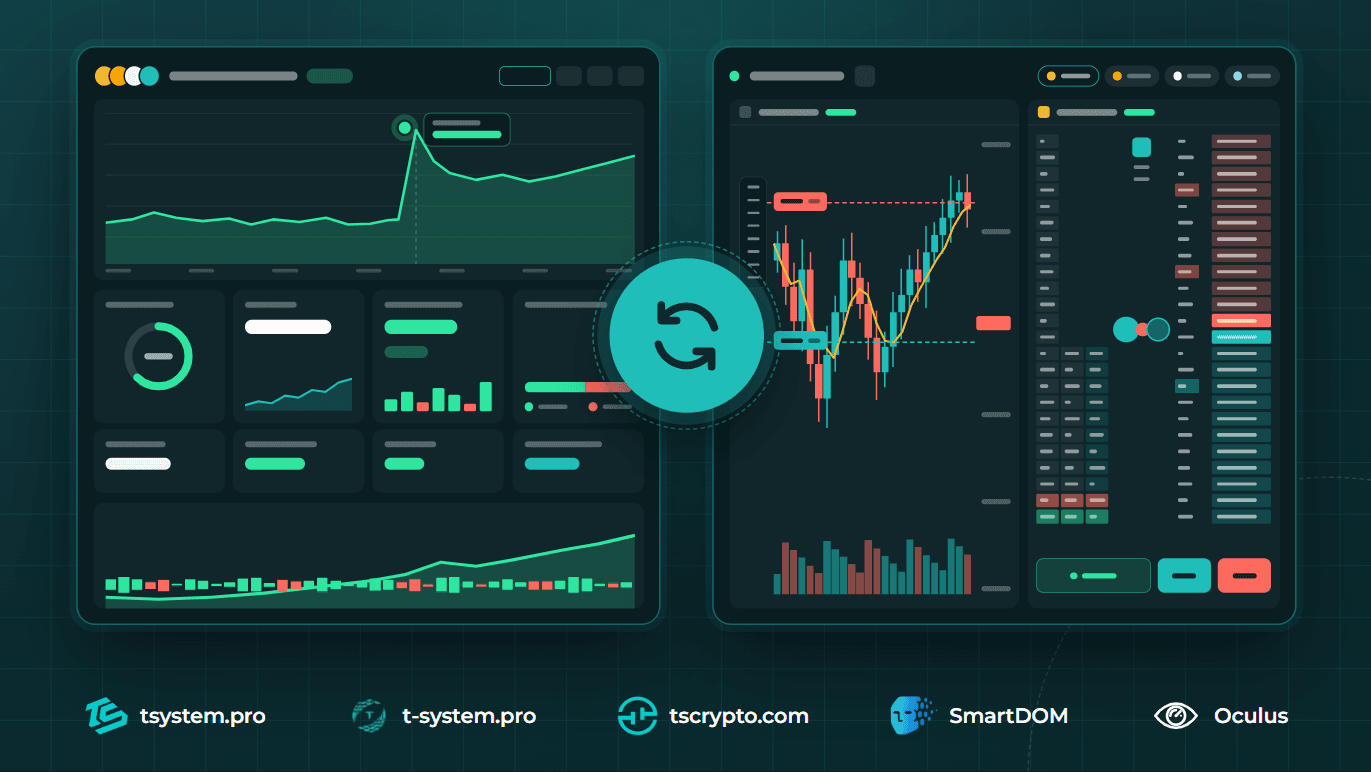
Finding an instrument on one platform, analyzing it in a different program, trading through an exchange’s browser interface, and checking results in a separate spreadsheet. When trading is spread across several services, a trader ends up constantly switching between them and piecing the full picture together manually.
The combination of Trade System Crypto’s multi-brokerage and the SmartDOM terminal brings exchange access, analysis tools, and trade management into a single workspace. That’s how the platform itself describes the approach: the terminal and the broker are built as one system.
Exchange Access and Trading Tools — Together
Multi-brokerage and the terminal handle different but connected jobs.
Trade System Crypto’s multi-brokerage handles connections to exchanges and management of trading accounts. SmartDOM provides the working interface: order book, trade tape, charts, clusters, and a screener. Together, they give the trader a combined infrastructure-and-tools setup for everyday trading.
The practical value of this approach is in the sequence it enables: find an instrument, study the market situation, open a trade, and then review the result.
One API Key — and Your Account and Trade Diary Are Already in the Terminal
It’s worth explaining how this connection works technically — because that’s where the difference from the usual “broker here, terminal there” setup becomes most visible.
Normally, if a trader works through a third-party terminal, they need to set up two separate connections: one for market data and order execution, and a second, separate one for exporting trade history and keeping a trading diary — assuming that tool even supports importing trades from that specific platform.
With Trade System Crypto and SmartDOM, that extra step doesn’t exist. Creating a single API key in the personal account is enough — the terminal immediately syncs with both the trading account and the trade diary. There’s no need to separately configure history export or connect a diary as a standalone service: as soon as the key is created in the personal account, SmartDOM gets access to both the trading account and the operation history as part of the same connection.
This isn’t just a matter of setup convenience. Separate connections for the account and the diary are a common source of mismatches: a trade shows up in the terminal but not yet in the diary, because sync happened with a delay or through a different protocol. When both are set up with the same key from the same personal account, that kind of mismatch simply doesn’t occur — the data comes from a single source.
Key Security and the Risk Manager Work at the Account Level
Since syncing with SmartDOM is built around a single API key, it’s worth explaining what happens to that key and how the personal account limits risk — this is shared infrastructure that works the same whether a trader uses the terminal or works directly in the account.
When creating an API key, the personal account asks what permissions to grant it. Connecting the terminal and keeping the trade diary only requires read and trade permissions — withdrawal access isn’t needed for this. The account doesn’t display the full key value again: if you need it later, you create a new one rather than looking up the old one.
A separate layer of protection is the personal account’s risk manager. The trader sets an acceptable loss amount (in USDT or as a percentage of the deposit), and once it’s reached, the account acts automatically: it cancels active orders, closes open positions at market price, and switches the API keys to read-only mode to prevent new trades until the trader steps in. There’s also a manual version of this protection — a trading lock the trader turns on themselves, which, unlike the automatic one, can’t be lifted early.
For the SmartDOM connection, this means the terminal operates under the same restrictions: if the risk manager triggers in the personal account and switches the key to read-only, the terminal sees that too, and new orders won’t go through from there either — the protection works at the connection level, not just in the interface.
From Picking a Coin to the Order Book — Without Re-Entering the Ticker
In SmartDOM, the screener can be linked to the order book and chart. Selecting an instrument in the screener table switches the linked panels to the same coin. With multiple screeners, the link can be set up for a specific panel.
For example, a workflow could look like this:
Filter instruments in the screener.
Select a coin and open it in the linked windows.
Review the chart, order book, and trade tape.
Move on to managing orders and the position.
This turns search and trading into parts of one process. The trader doesn’t need to re-enter the selected coin in every window.
Multiple Exchanges — One Familiar Interface
SmartDOM lets you place several order books and charts side by side, including the same instrument across different exchanges. Panels can be moved, resized, and placed on separate monitors.
This makes it possible to build the same working logic across different platforms: keep the screener in its usual spot, place order books next to each other, and set aside a dedicated area for positions.
At the same time, a unified interface doesn’t make exchange conditions identical. Before trading, you still need to account for the specific market’s and trading account’s conditions.
Trading Results Continue the Workflow
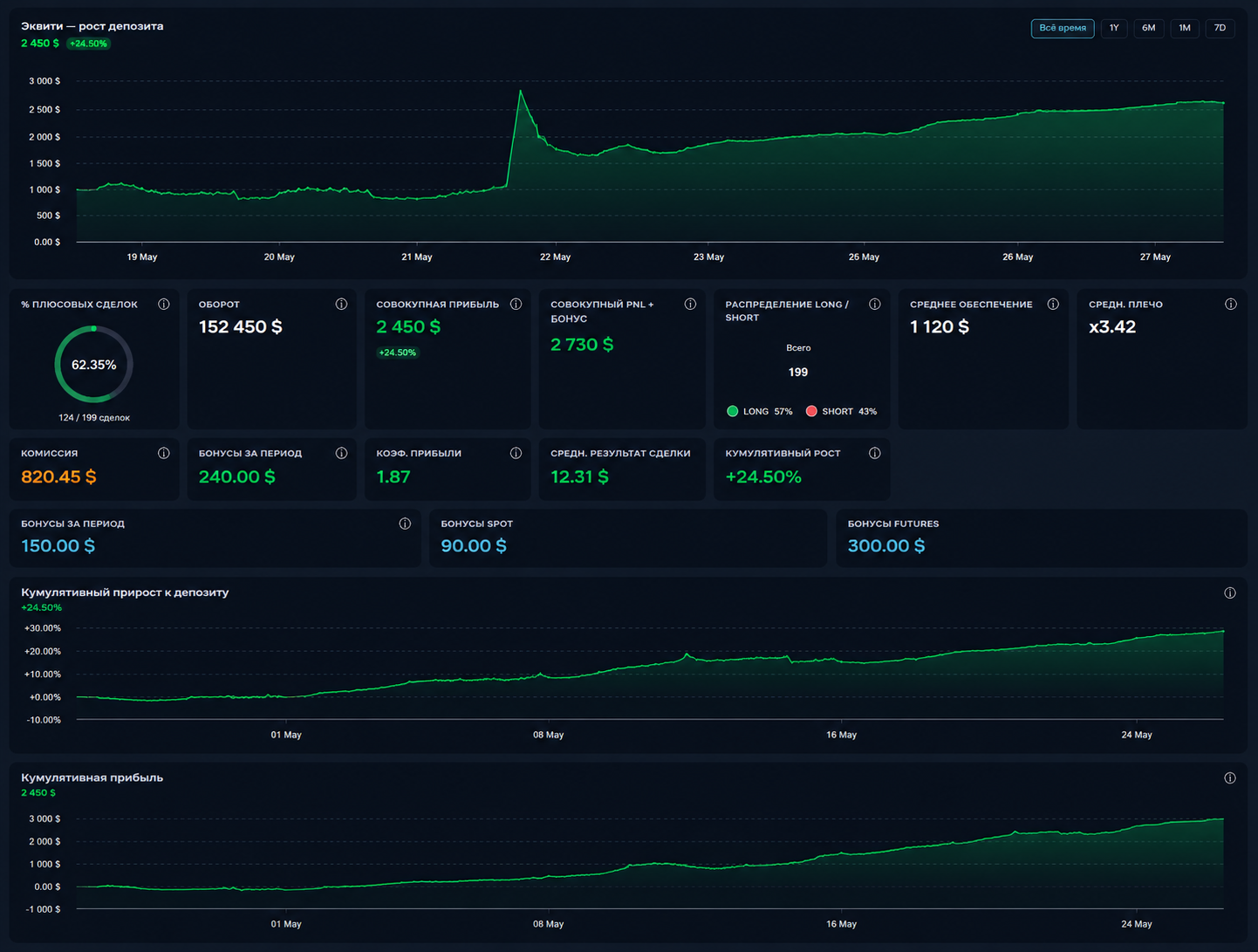
The unified workspace is useful after a position closes too. SmartDOM includes trade history, a P&L view, and a trading diary with entry/exit reasoning and comments — and, as described above, all of this data reaches the terminal automatically, with no separate export step.
A dedicated tab can be set aside for review. Use order books and charts during the session, then switch to history and notes afterward: what was planned, how the trade actually played out, and what’s worth reconsidering.
A Workspace Built Around Your Own Approach
One trader needs a single instrument and a large order book. Another wants several exchanges side by side. A third wants separate tabs for search, trading, and reviewing results.
SmartDOM supports that kind of setup: panel layout and workspace settings are saved between sessions.
The point of combining multi-brokerage and the terminal is to make the whole path — from choosing a market to reviewing a trade — more connected. The infrastructure handles access, the terminal helps work with market data and positions, and the trader builds the sequence that works best for them.
You can learn more about the platform and download SmartDOM at Trade System Crypto (tscrypto.com).
FAQ
How is multi-brokerage different from the SmartDOM terminal?
Trade System Crypto’s multi-brokerage handles exchange connections and trading account management — it’s the infrastructure layer. SmartDOM is the working interface on top of that infrastructure: order book, charts, screener, clusters, and trade management. Together they cover the whole path from market access to result analysis.
Do I need to set up account and trade diary syncing separately?
No. A single API key created in the personal account is enough for the SmartDOM terminal to get access to both the trading account and the trade diary. No separate setup is needed for history export or connecting the diary as a standalone service.
Can the API key used for SmartDOM grant withdrawal access?
There’s no need for that permission. When creating the key in the personal account, read and trade permissions are enough to cover both the terminal’s operation and diary syncing. Withdrawal access isn’t required for connecting SmartDOM.
What happens when the personal account’s risk manager triggers?
The risk manager activates once the trader’s set loss limit is reached (in USDT or as a percentage of the deposit): active orders are canceled, open positions are closed at market price, and the API keys are switched to read-only mode — new trades, including through SmartDOM, aren’t possible until then. There’s also a manual trading lock the trader can turn on themselves, which can’t be lifted early.
Can I trade on multiple exchanges at once in SmartDOM?
Yes. The terminal lets you place several order books and charts side by side, including the same instrument across different exchanges, and build the same working logic for all of them — panel layout, screener, and position area stay shared.
How do I go from picking a coin in the screener to trading without extra steps?
The screener links to the order book and chart through window binding. Selecting an instrument in the screener table switches the linked panels to the same coin — no need to re-enter the ticker in each window.
Where can I see trading results after closing a position?
SmartDOM has trade history, P&L, and a trader’s diary with entry/exit reasoning and comments. Multi-brokerage adds automatic statistics and trading history at the account level.
Are trading conditions the same across exchanges when using a unified interface?
No. A unified workspace standardizes the interface and makes switching between platforms easier, but it doesn’t equalize the exchanges’ own parameters — you still need to account for the specific market’s and trading account’s conditions before trading.
Related articles

Finvarex: The Developer Behind Trade System
Finvarex is the technology core of the T-System ecosystem, building trading terminals, broker platforms, and full-cycle risk systems for brokers, exchanges,…
Read →