
Speed you can feel
Orders go straight into the order book with a click, and hotkeys cover the rest: market entry, limit at the best price, take profit, stop loss, pending order, close. The mouse stays on the book, your eyes stay on the price.
One click and your order is on the exchange. Seven exchanges, spot and futures, order book, tape, clusters and chart in a single window. Nothing between you and the market.
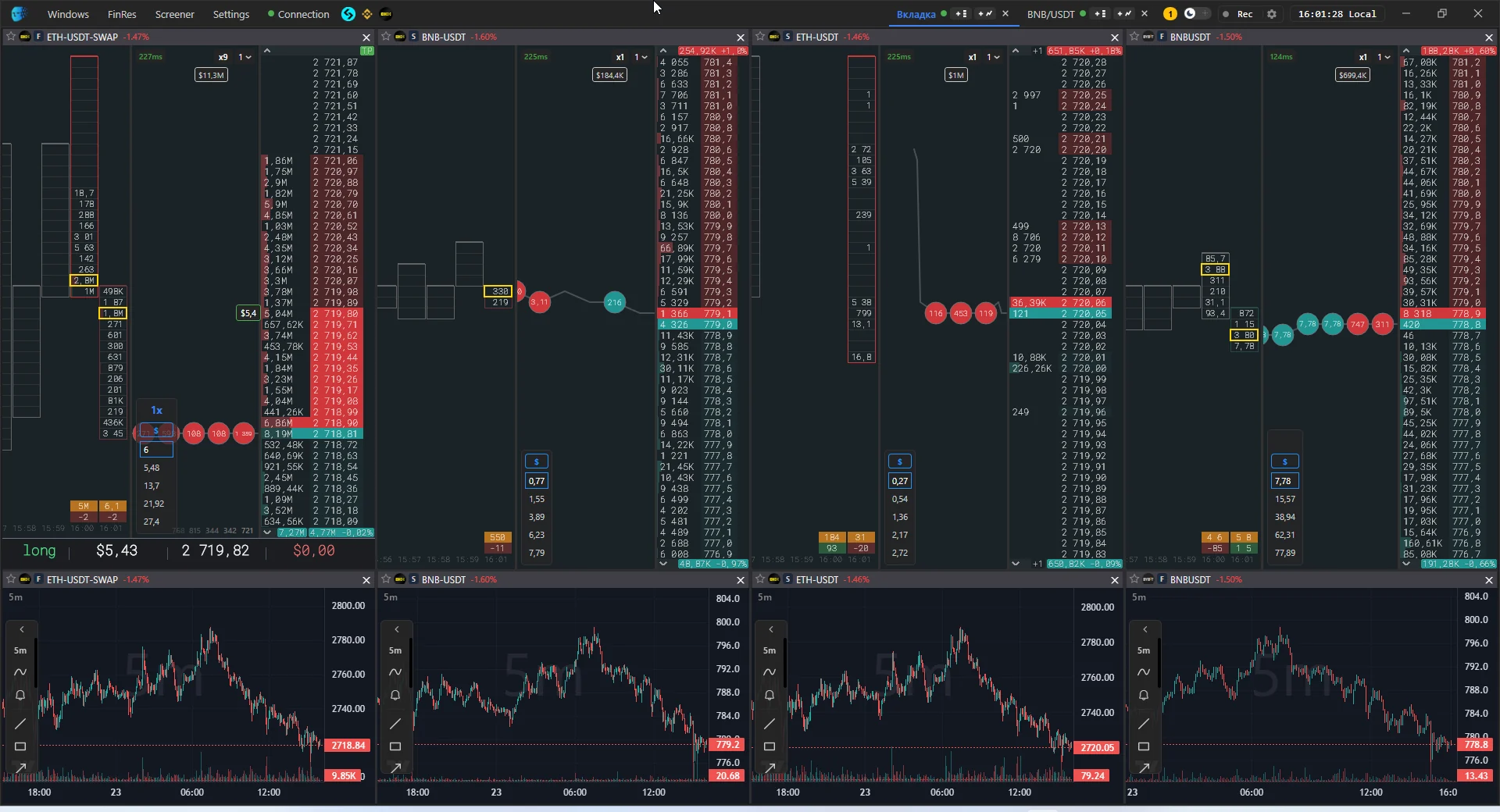







Orders go straight into the order book with a click, and hotkeys cover the rest: market entry, limit at the best price, take profit, stop loss, pending order, close. The mouse stays on the book, your eyes stay on the price.
Seven exchanges, spot and futures, several accounts — all inside one workspace with tabs, dockable panels and a layout that survives restarts. Opening a coin on every exchange at once is a single action.
Densities and their off-screen markers, large sweeps stitched back together in the tape, volume clusters and a chart that shares its levels with the order book. Not a stream of numbers, but a picture of the fight at each level.
Impulse screener, cross-exchange flip screener, listing calendar with a countdown, alert levels with sound, Telegram notifications even when the terminal is closed.
Who care about milliseconds and an exact entry price.
Densities, sweeps, volume at each level.
The same coin on several venues in neighbouring panels.
Market-wide signals without manual monitoring.
Binance demo mode, a trade diary and screen recording for review.
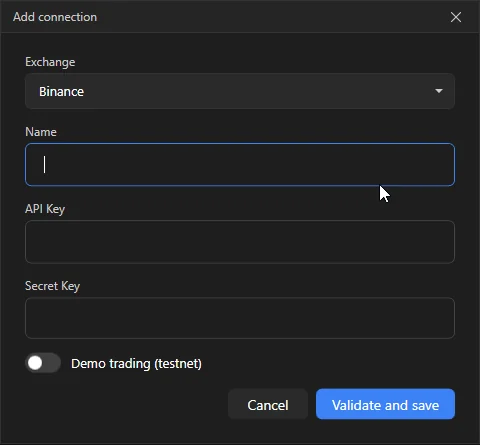
"Add connection" dialog
Orders, position, stop and take profit — all inside the book. No separate order windows.
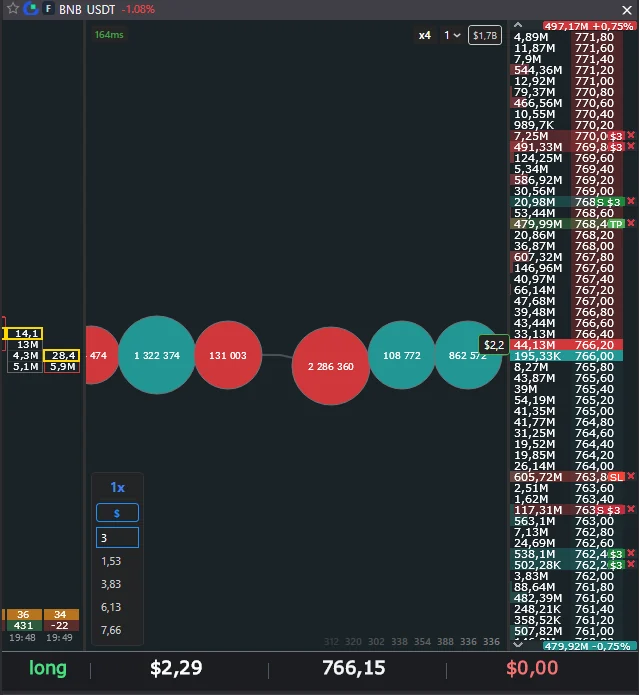
order book with order badges, position zone and SL/TP lines
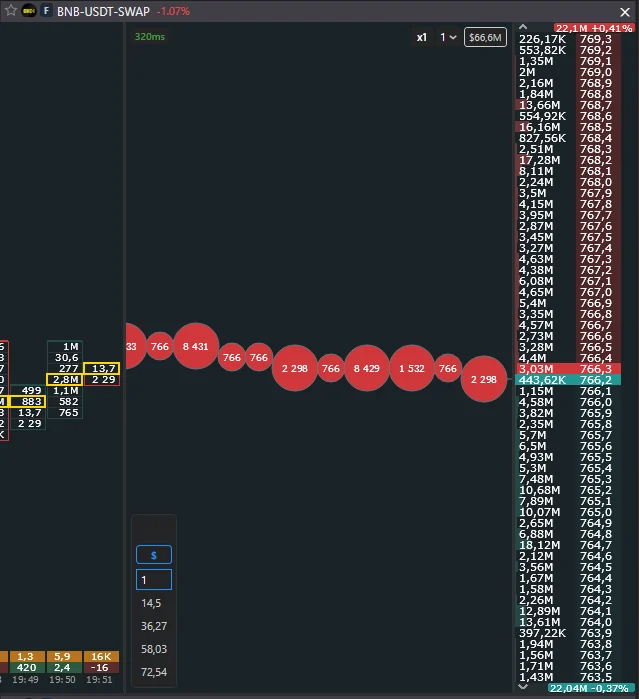
classic tape next to the book
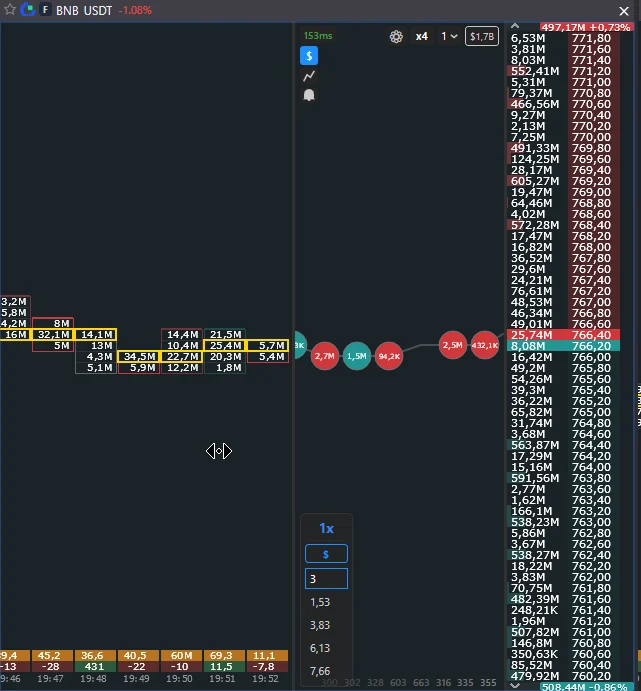
clusters next to the order book with the maximum-volume frame
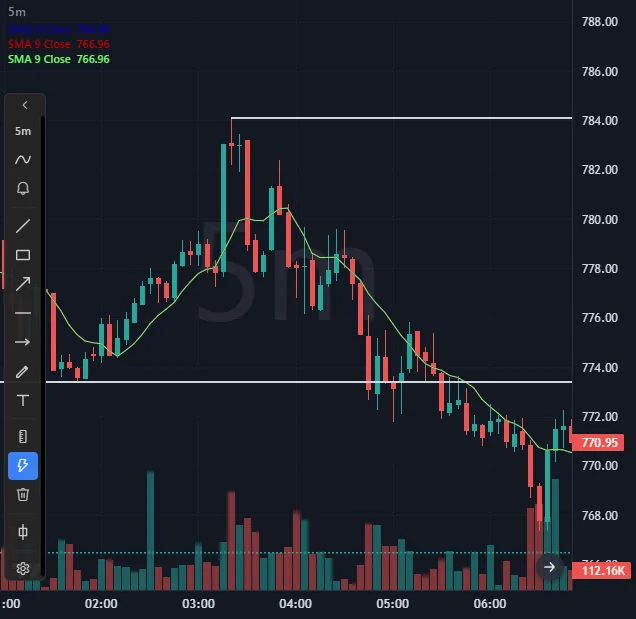
chart with shapes and moving averages
Every key can be reassigned; the terminal warns when one key is bound to two actions.
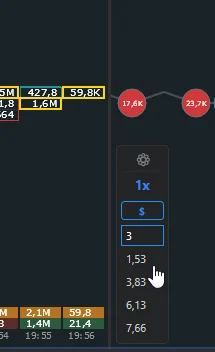
volume panel under the order book
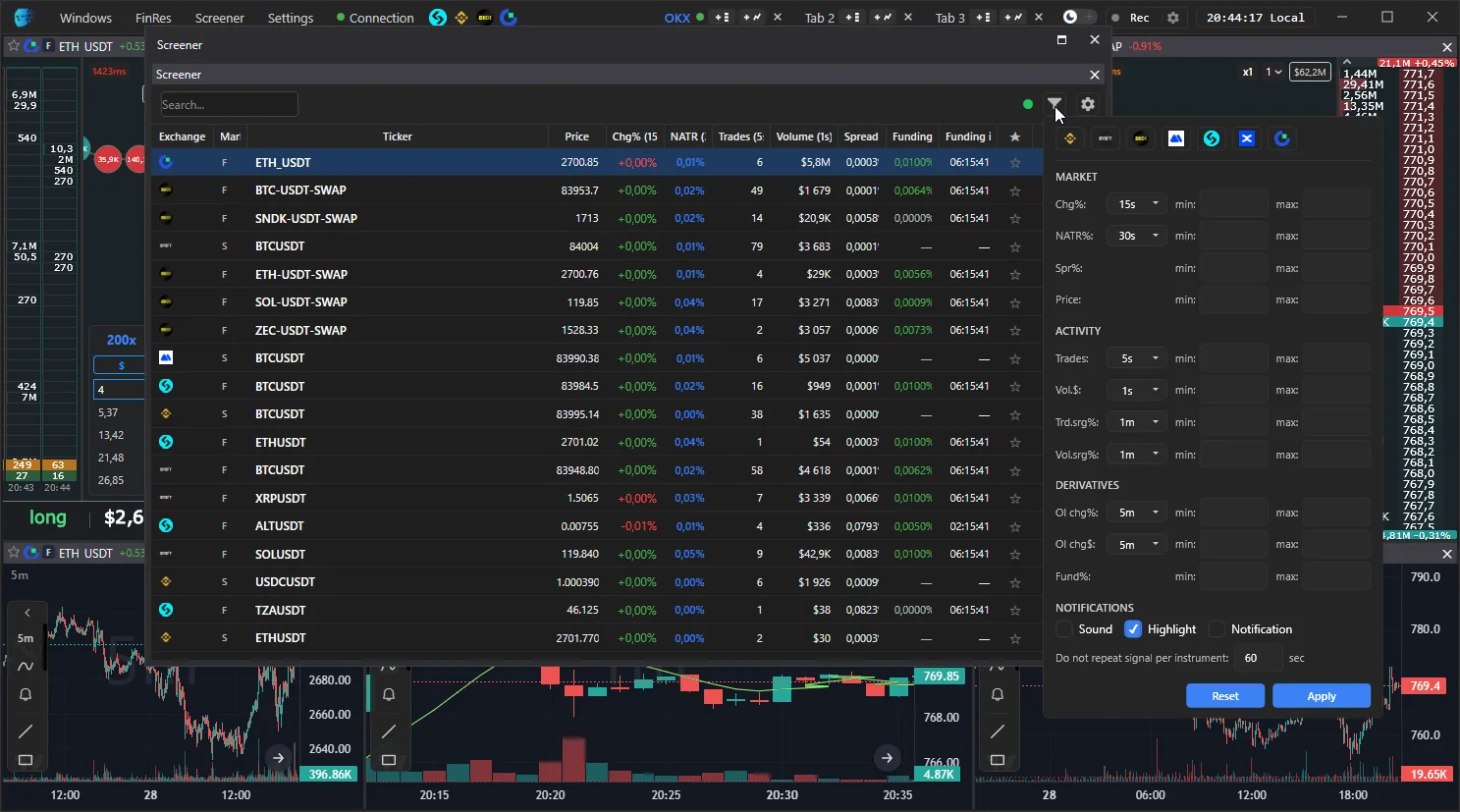
market screener with filters
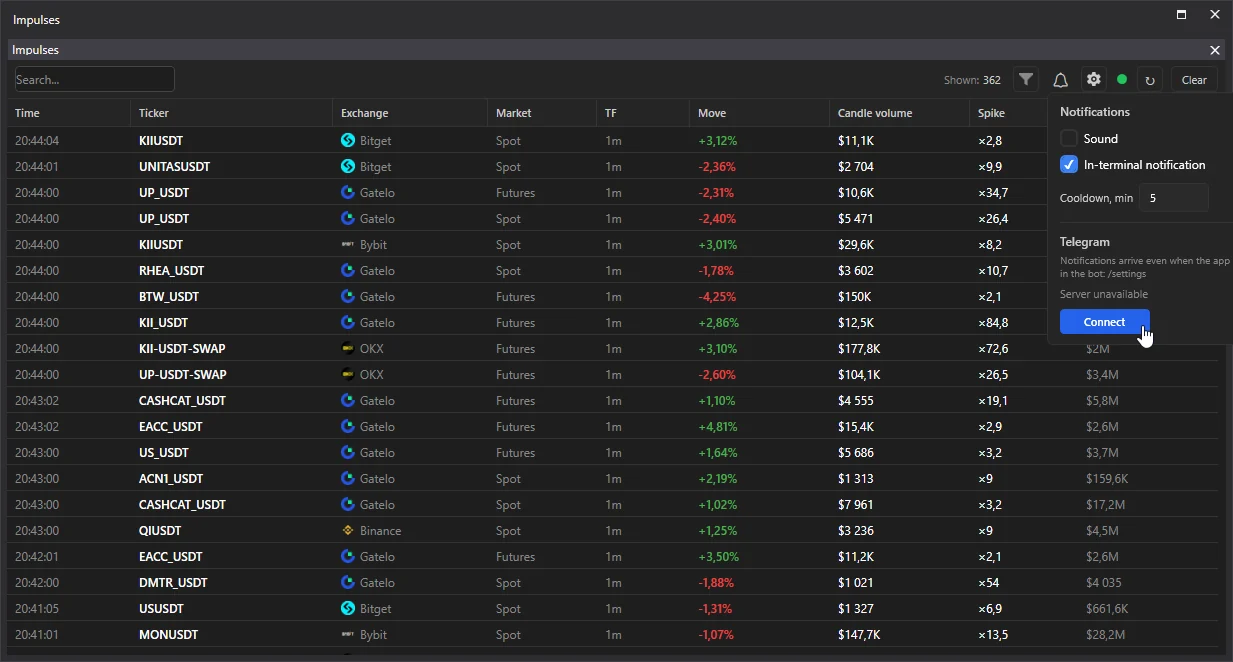
Impulses panel with the Telegram block
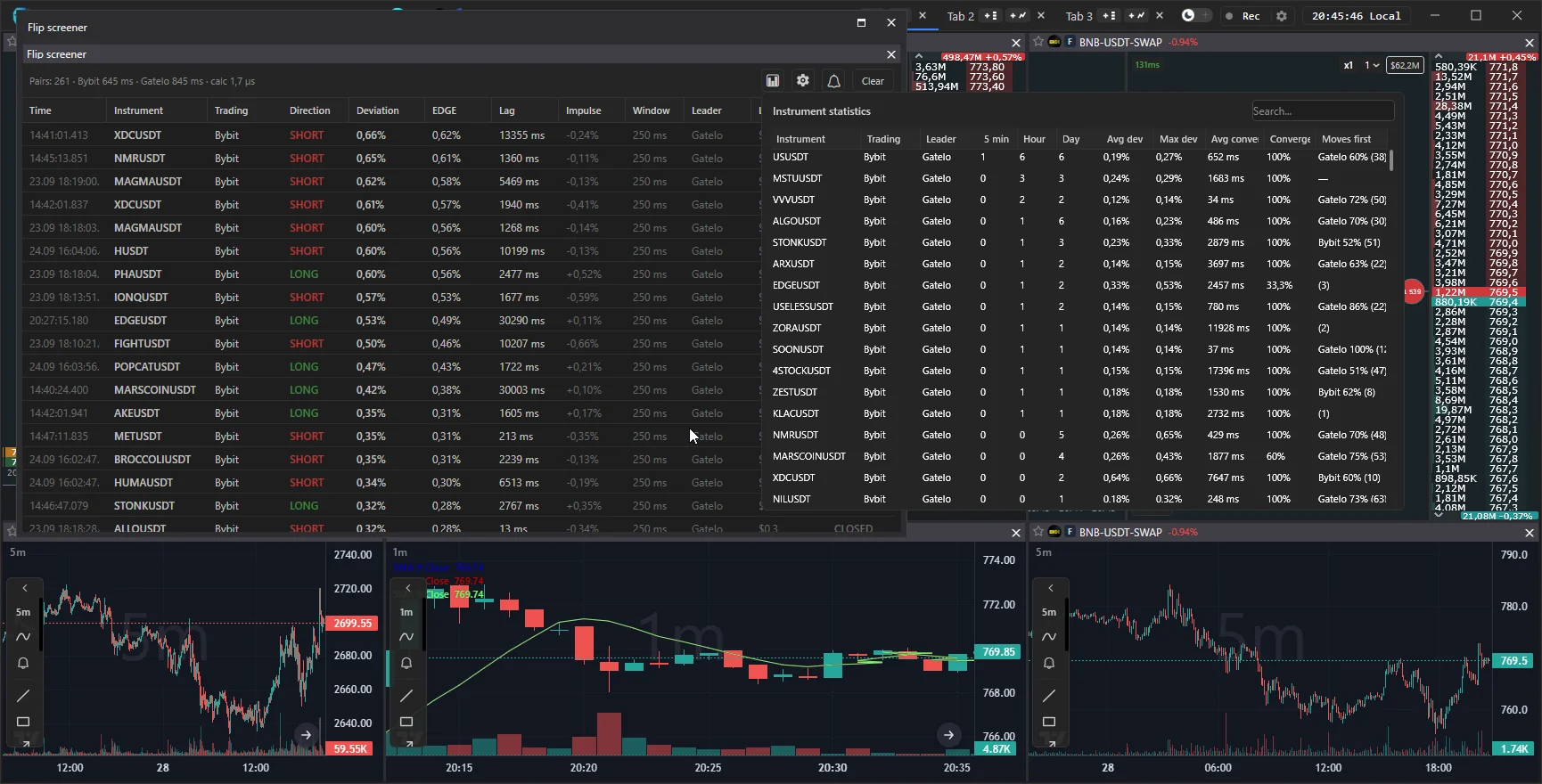
flip screener with signals and the statistics tab
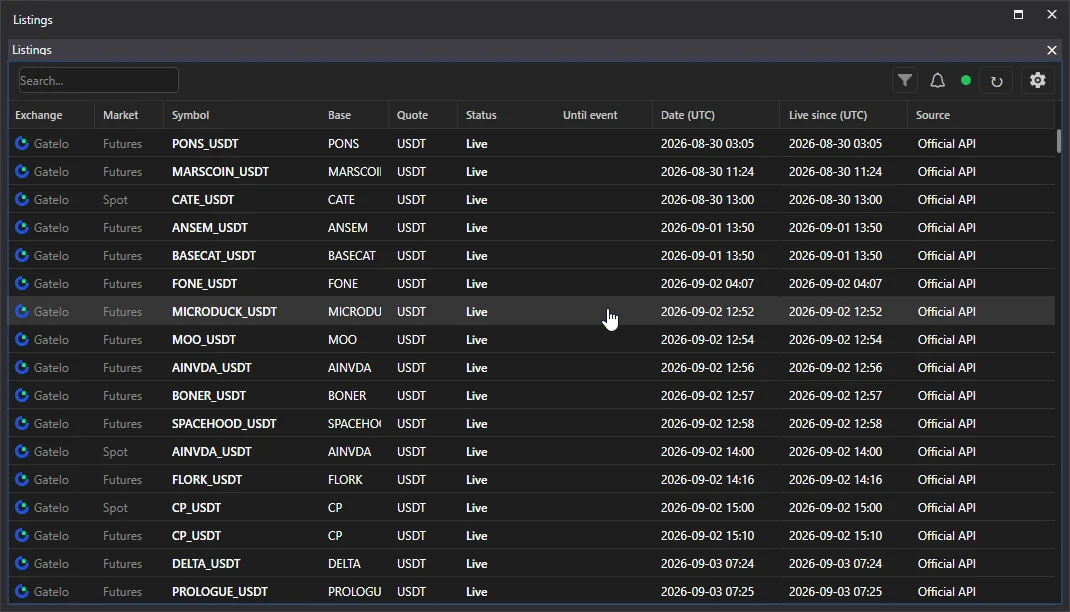
Listings panel with a countdown
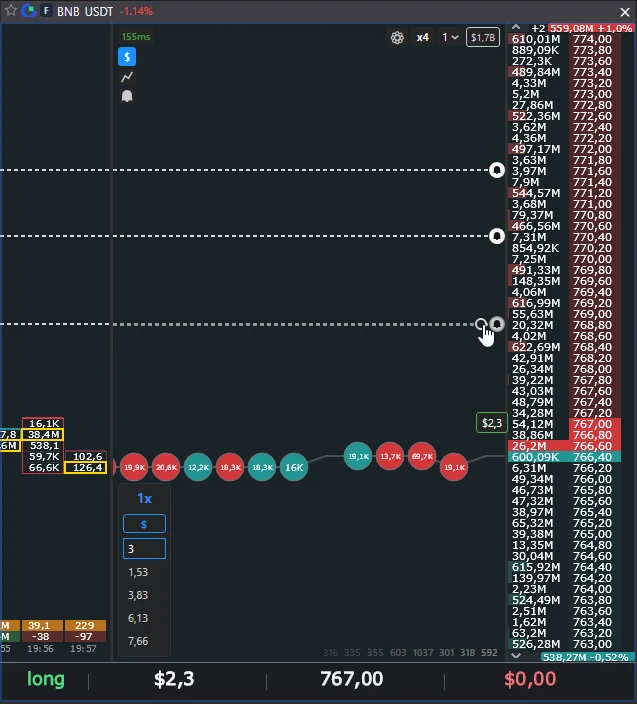
alert level in the order book and the bell with history
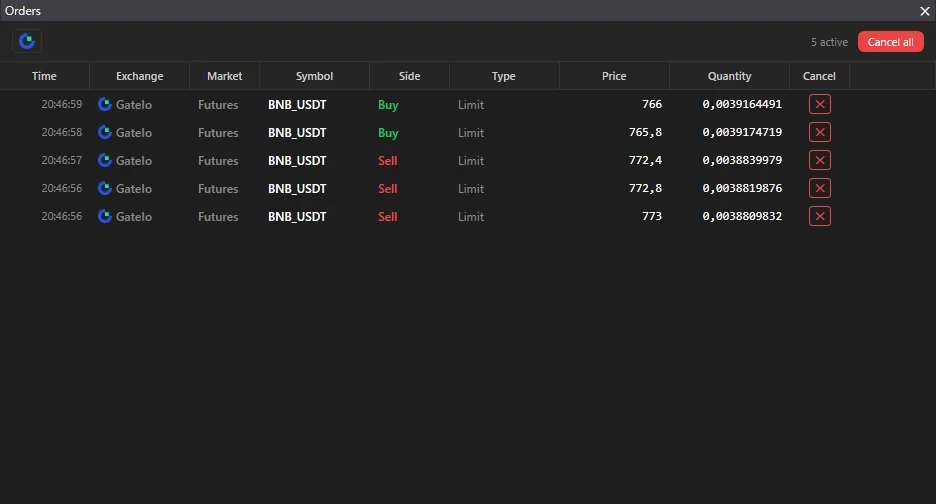
Orders and Positions panels
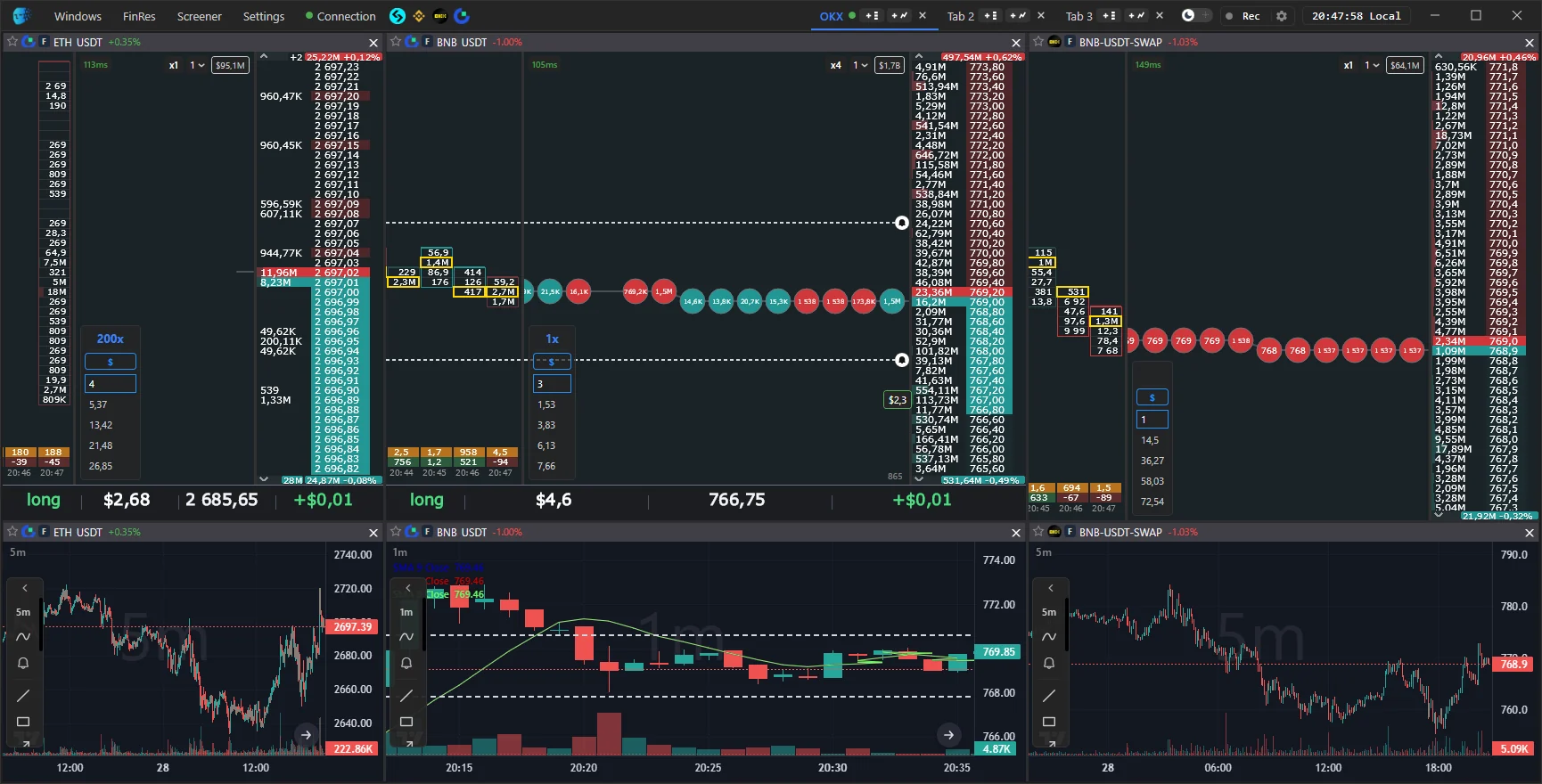
workspace with several panels
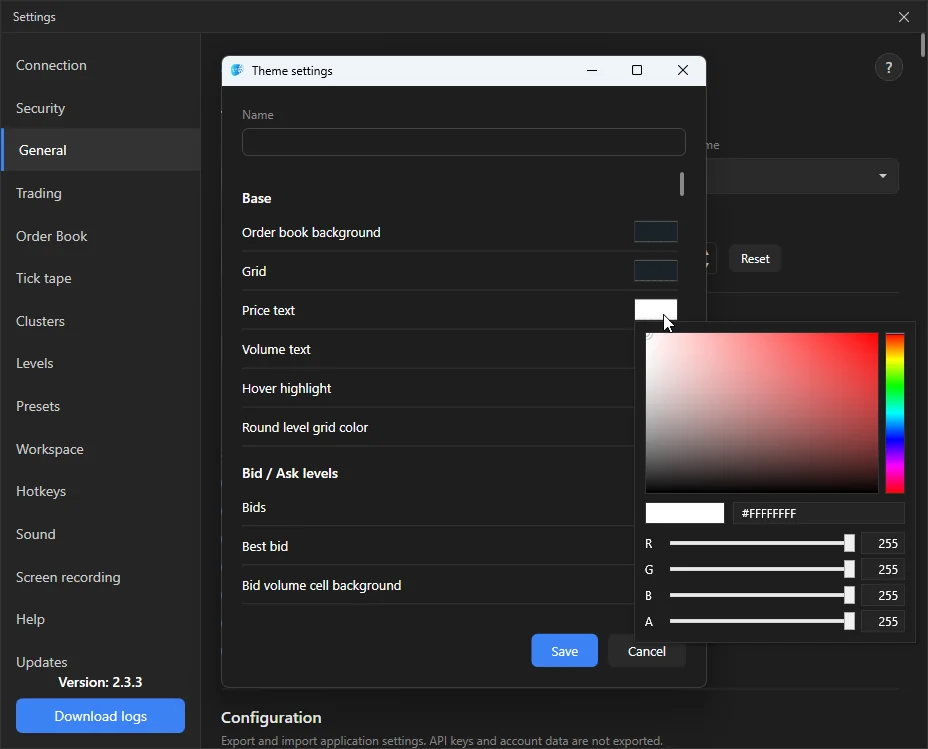
theme editor
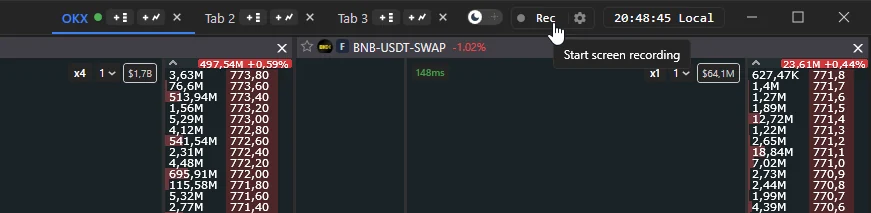
Rec button in the top bar
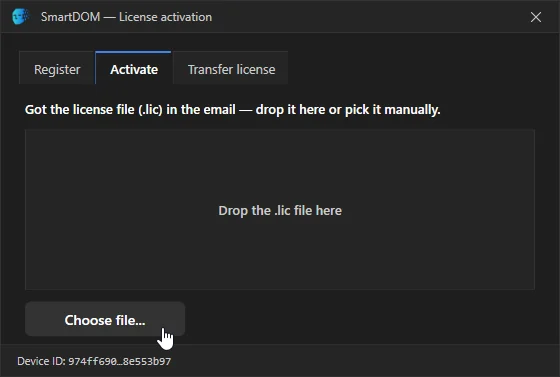
activation window
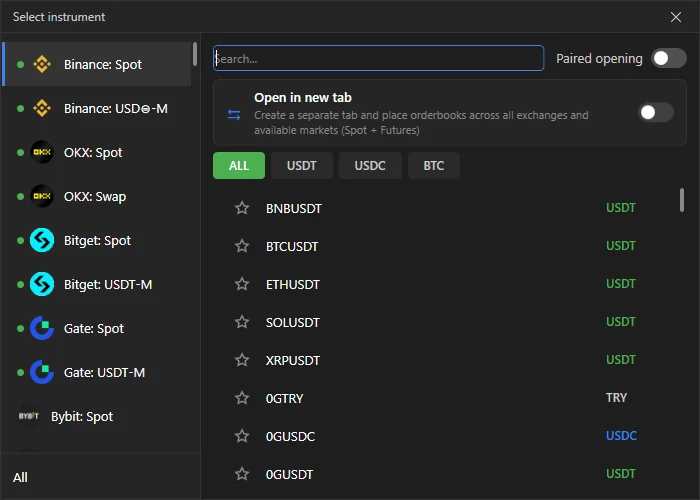
Select instrument window